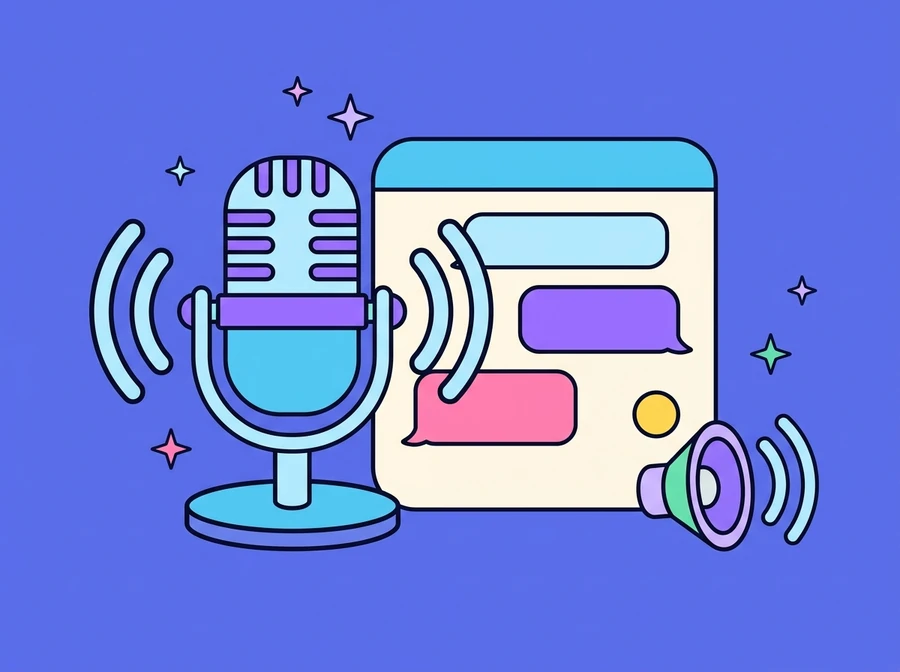
Two-way voice capability for a corporate AI assistant. Users choose whether to type or tap the mic and speak, and the system reads the answer back aloud, with a stop button for when they have heard enough. The worked example is Nong AI, an HR assistant that answers questions on benefits, policies and working regulations.
Who it is for
Organisations that want employees or customers to be able to ask by voice, at moments when typing is awkward or reading a long message is not convenient.
Speak instead of typing (Speech to Text)
The chat's input box says it plainly: type a message or tap the mic to speak. Users choose how to ask within a single window, with no need to switch tools. What they say is converted into the text of the question automatically, which helps a great deal with long questions, or with users who find typing Thai on a phone awkward.
- The mic button sits beside the input box: tap and speak
- Switch between typing and speaking at any point in the conversation
- Suits long questions and use on a mobile
Listen instead of reading (Text to Speech)
The assistant's answers are not text alone: the system can read them aloud, and there is a stop button to cut it short once you have the information you wanted. That matters for long answers with several points, because users do not have to wait until the end to ask the next question.
- Answers read aloud
- A stop button for when you don't want to keep listening
- Works from the chat window on the web
An example in use: an HR assistant
The demo ThinkVerse AI built is Nong AI, an HR assistant that opens the conversation with three suggested topics: company benefits, policies and working regulations, and general HR questions. Users can tap a topic or ask in their own words.
Asked about benefits, the assistant works through the list point by point as set out by the organisation in its knowledge base (annual leave, sick leave, health insurance, the annual bonus, the lunch allowance, travel expenses and the training budget), and gives the direct contact channel for HR when the matter is one that needs a person.
- Suggested topics to tap and ask straight away
- Answers point by point, from the information the organisation has set
- Hands over to HR when a question goes beyond what the bot answers
What it does
- Tap the mic to ask by voice instead of typing
- Answers read aloud
- A stop button for when you don't want to keep listening
- Switch between typing and speaking in one window
- Used through the chat window on the web
- Answers from the organisation's own knowledge base
- Suggested topics to open the conversation
Want something like this?
Tell us your situation and we will work out what needs adapting to fit it.